Super Resolution
upscale
Enabling Capability
This parameter can be disabled/enabled in the Advanced Settings of your Source.
All rendering capabilities are enabled by default.
The Super Resolution parameter enables users to upscale Origin Images up to 4x of their original size while retaining image quality. Upscaling is achieved by using generative AI to improve the details of the image as we increase the image’s resolution. The upscale factor depends on the input image size — see the upscale parameter limits for details.
AI upscaling can be enabled on any image that meets the limits requirements. To upscale an image with Super Resolution, use upscale=true. The default value is false.
This parameter will attempt to increase the quality of low-resolution photos by using generative AI. This generative approach can result in a more visually appealing, higher resolution, and higher quality image than what conventional approaches such as nearest-neighbor interpolation, Lanczos and other methods.
See the examples below:


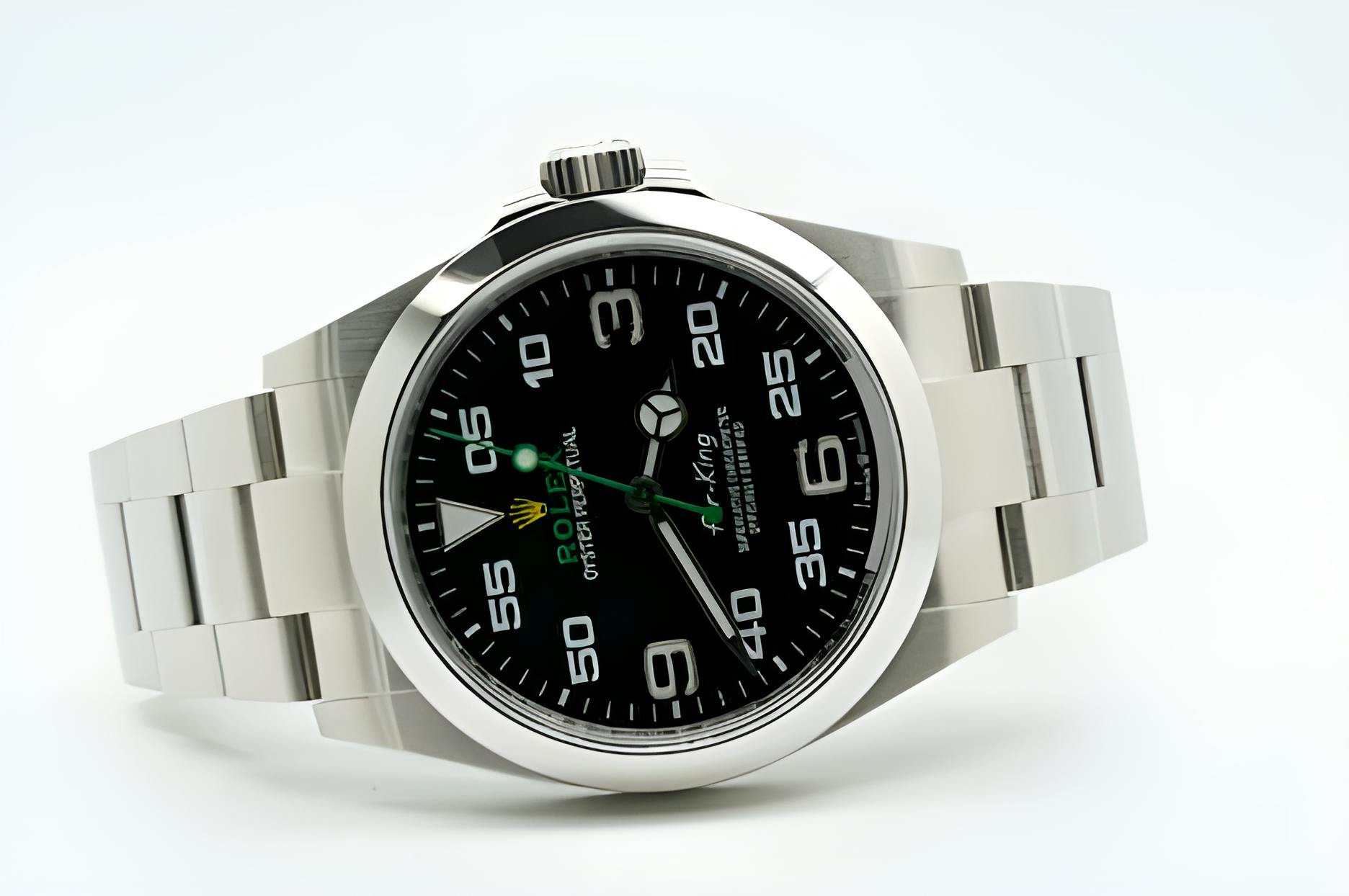
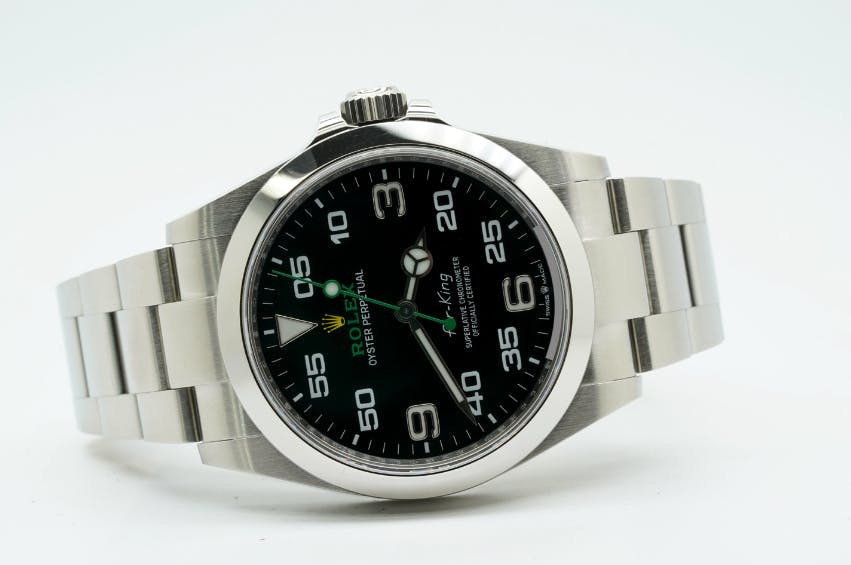
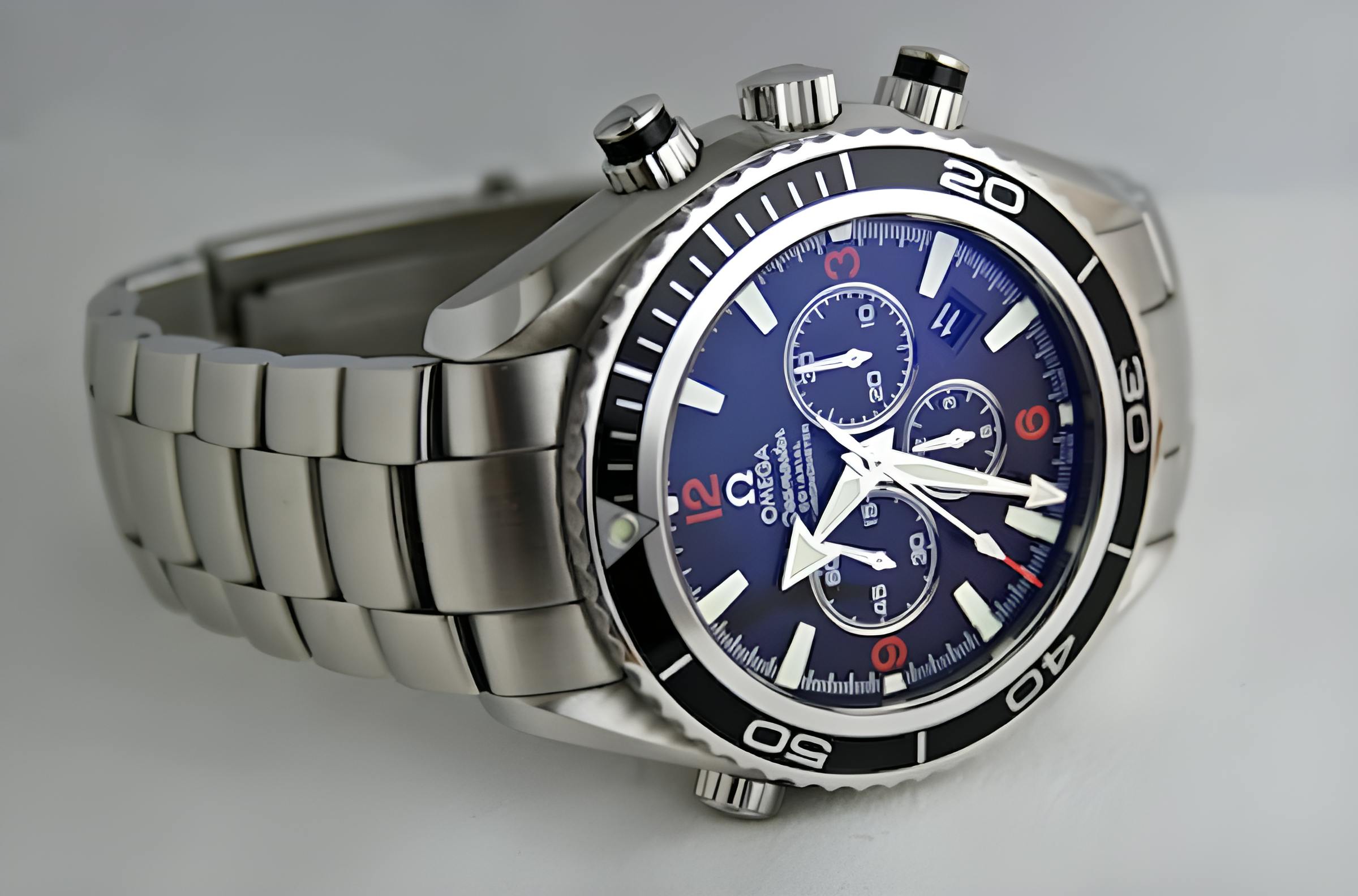
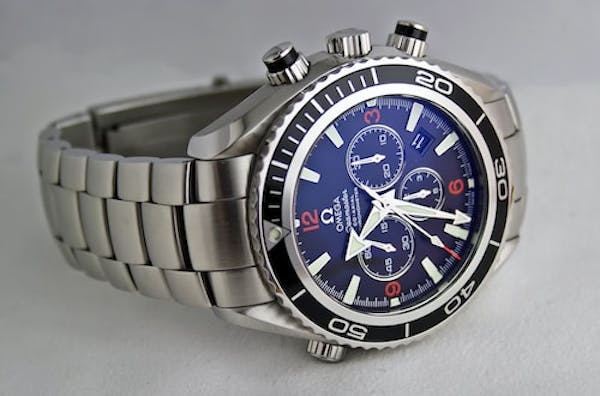


Super resolution can be combined with other Rendering API parameters to optimize the image. For example, you can apply auto=compress,format to optimize the image after it has been upscaled. Doing so will reduce the example image above to 12.6KB.