Upscale
upscale
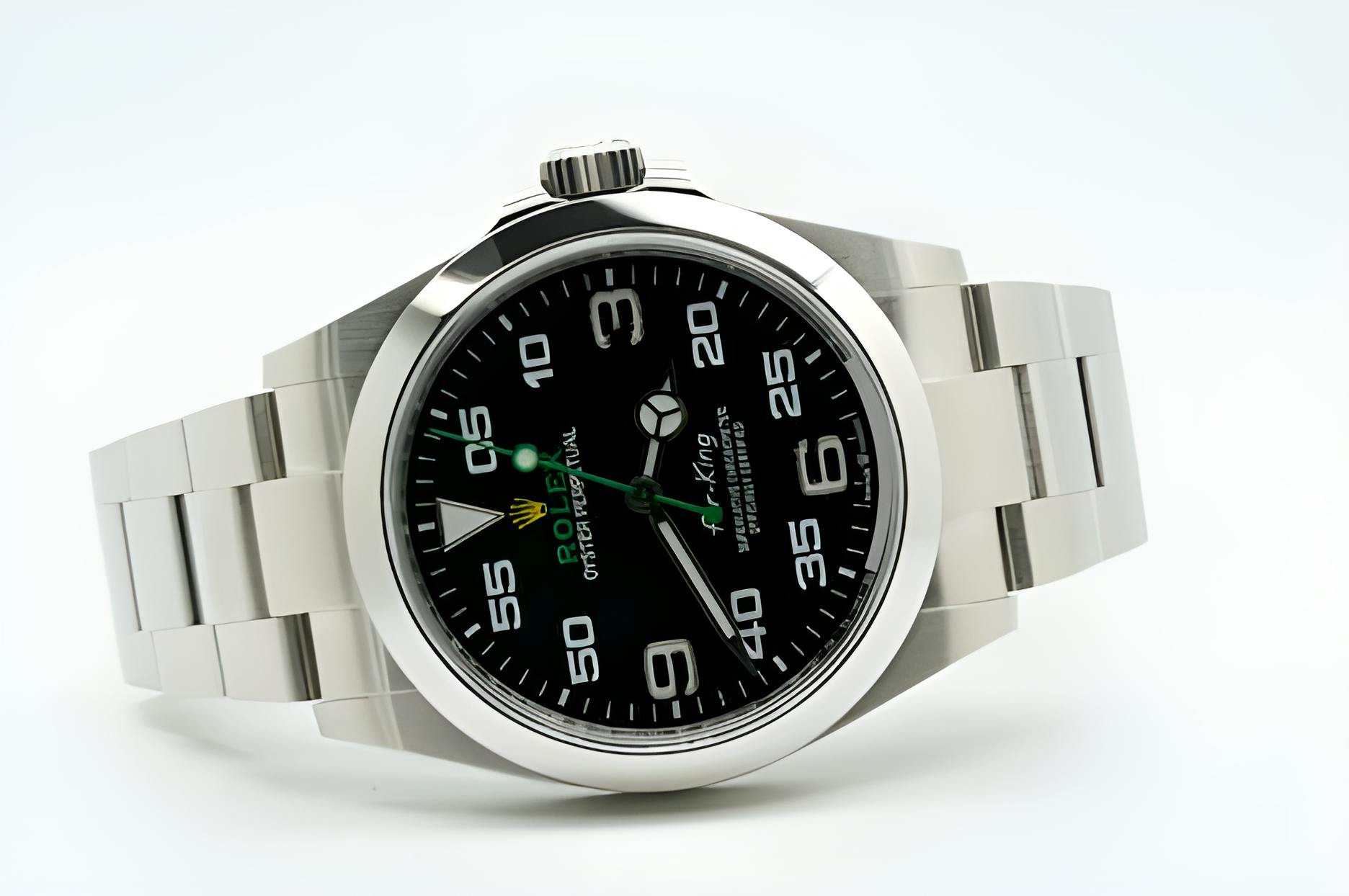
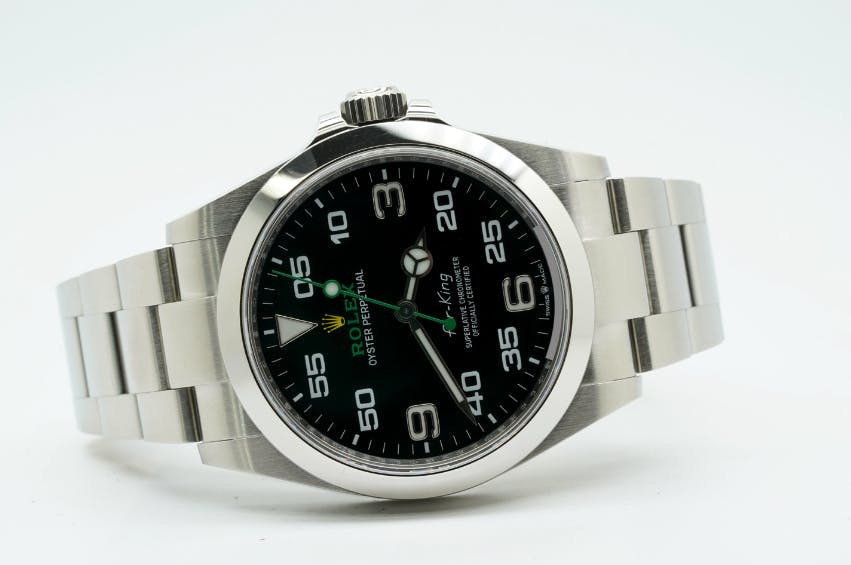
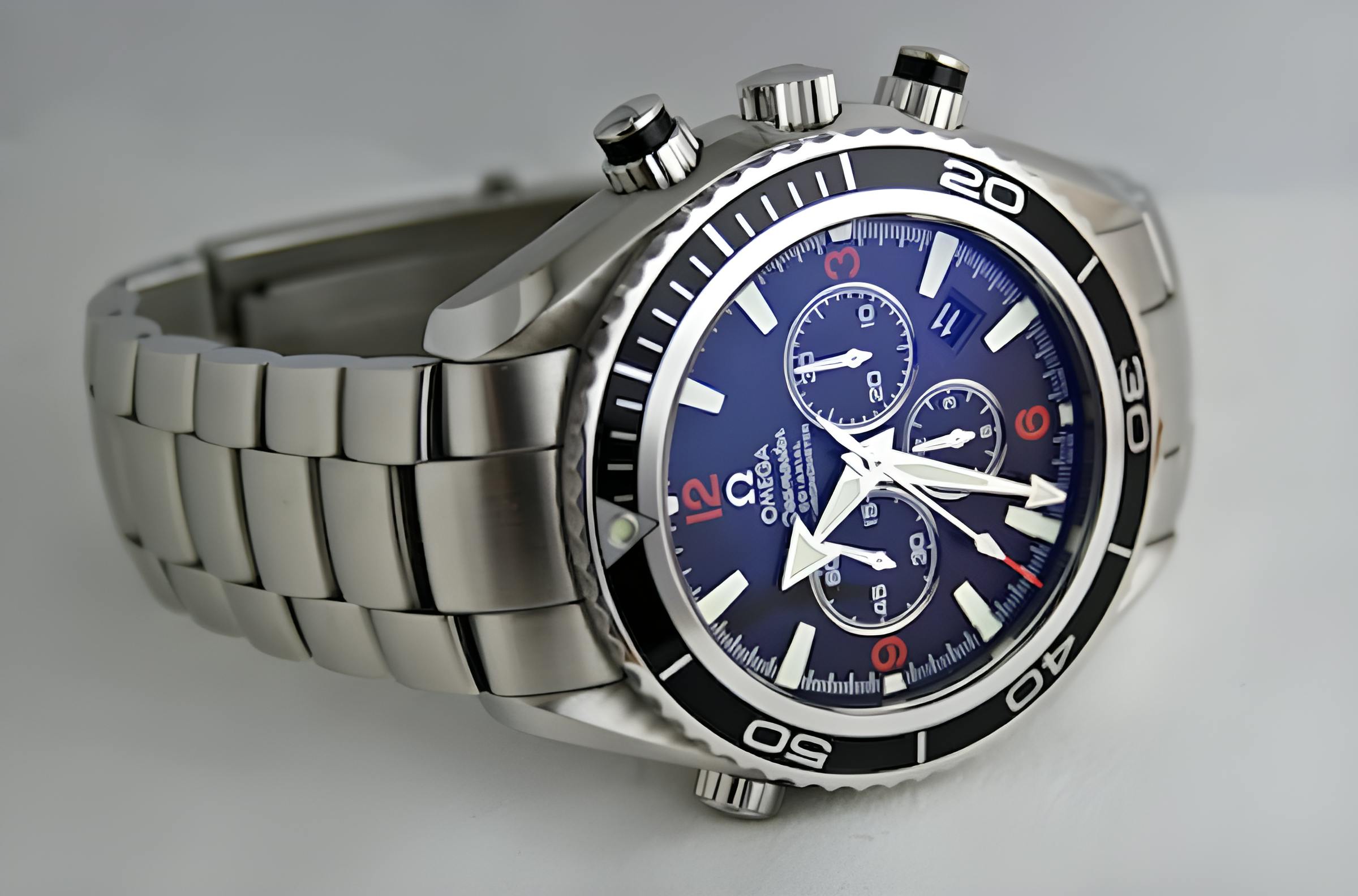
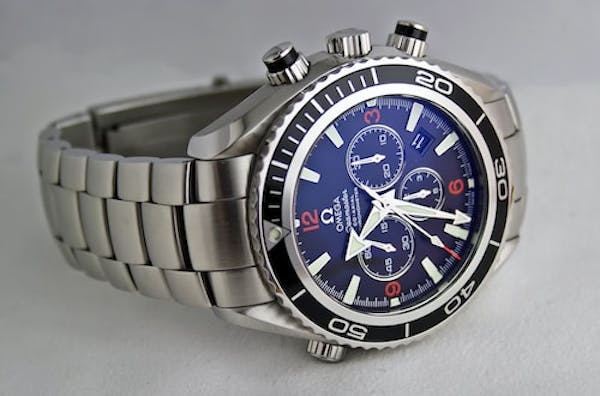
Upscales Origin Images up to 4x of their original size while retaining image quality. Upscaling is achieved by using generative AI to improve the details of the image as we increase the image’s resolution.
Accepts a boolean value To upscale an image with Super Resolution, use upscale=true. The default value is false.




Limits
Super Resolution works with any Imgix compatible input image type, but there is a limit to the size of images that can be upscaled.
Input Size Limit
The upscale factor applied depends on the size of the input image:
- Under 2048x2048: The image will be upscaled up to 4x its original size.
- 2048x2048 to 4096x4096: The image will be upscaled up to 2x its original size.
- Above 4096x4096: The image will not be upscaled and will not be charged as a premium render.
Generative AI Expectations
Generative AI fills in the details of the image as the resolution increases, but it cannot turn a low-quality image into a high-quality one.
For example, if an image has illegible text or is pixelated, the AI may attempt to fill in the details of the text during upscaling, but the result may still be illegible.


Unsupported Input Formats
In addition to unsupported input formats, Super Resolution is not compatible with the following file-type formats:
- Animated GIF
- Animated WebP
- Animated PNG
- SVG
- EPS
AI Composition
The Rendering API processes multiple AI transformations asynchronously and requires a few seconds to complete. When present, multiple AI transformations get rendered in this order:
- AI Image Edit
- Object Manipulation
- Background Replacement
- Generative Fill
- Background Removal
- Super Resolution
Read this tutorial to learn more about chaining AI transformations.
Questions
Please reach out to your Account Manager or to Support if you have any questions or feedback about this parameter.